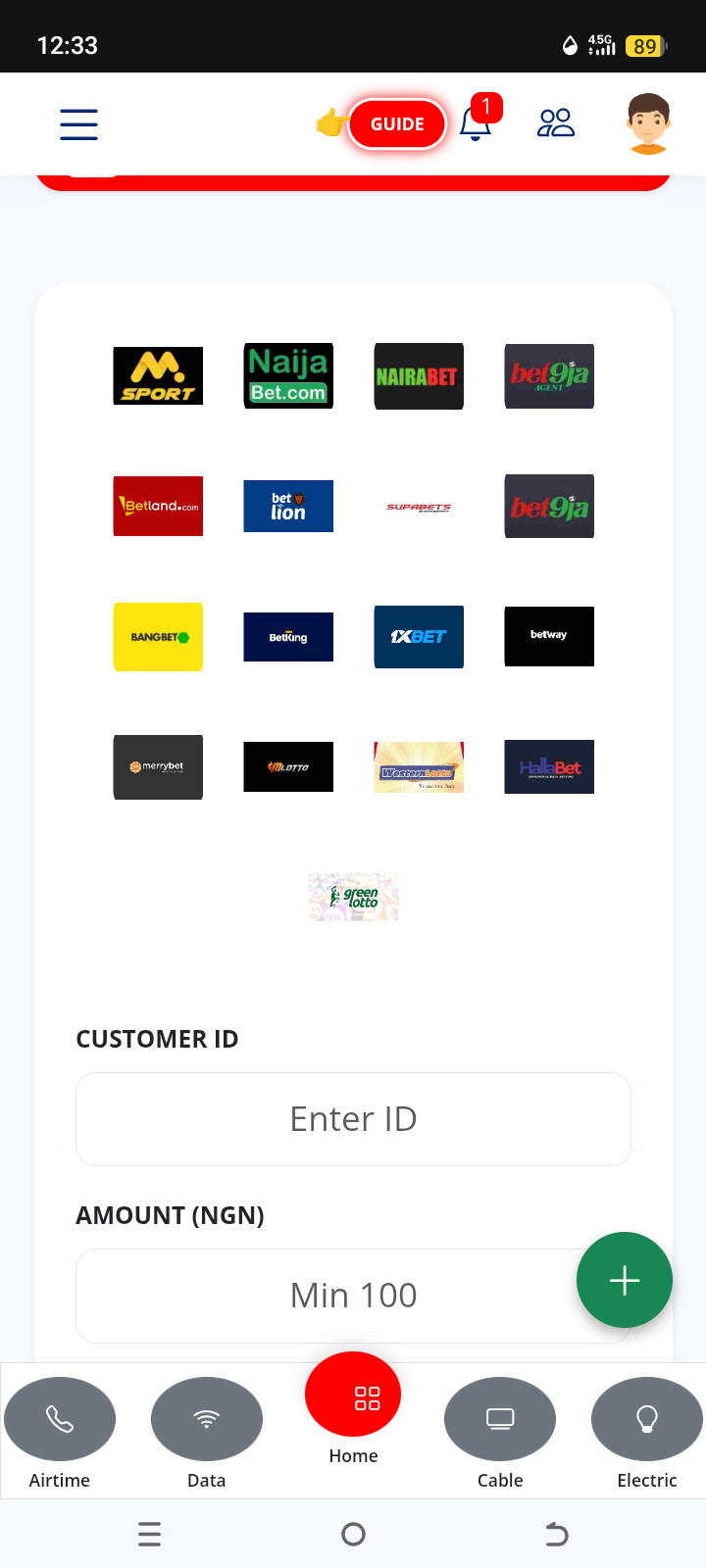
STEP ONE; CHOOSE YOUR PREFERRED PLATFORM; To recharge your electricity online, you need to have an account on one of the many reliable utility payment platforms available in Nigeria.
Here are some of the most popular option to select from
1️⃣ DEDICATED UTILITY APPS; These are platforms that are created specifically for electricity bill payment
2️⃣ FINTECH WALLET; These are platforms that allow you to save, send and receive money online without the regular physical banking stress. These wallets often feature a "bill" section where you can make utility bill payments
3️⃣ MOBILE BANKING APPS; most Nigerian banking apps have a bill payment section where you can pay for electricity from the comfort of your couch
GENERAL STEP TO RECHARGE
🟢 SELECT YOUR ELECTRICITY DISTRIBUTION COMPANY (DisCo); Find and select your electricity provider from the options
🟢 CHOOSE METER TYPE; Select between prepaid or postpaid depending on if you prefer to pay a monthly bill (postpaid) or if you want to use token (prepaid)
🟢 ENTER METER NUMBER; Input your meter number to be verified
🟢 ENTER AMOUNT AND PAY; Input the amount your choice and pay through bank transfer, your debit card or app wallet balance
🟢 GET YOUR TOKEN ; For prepaid meters, a 20-digit token will be sent via SMS, email, or displayed on your screen. Enter this code directly into your meter interface to load the units
For postpaid METER a digital receipt would be sent to you, You should keep this receipt to show electricity officials if they visit for billing verification or disconnection.
"By following these steps, you can successfully manage your power supply from the comfort of your home. Whether you are loading a prepaid token or settling a postpaid bill, online platforms offer a secure and instant way to stay connected. Always remember to double-check your meter or account number before confirming payment to ensure the credit goes to the right home